
Photo to 3D
One photo becomes a 3D point cloud with real depth, so the face looks alive when you turn the crystal.
Desktop app for UV laser crystal engraving
Crystool builds the point cloud for you: real depth in the face, sharp text, ready elements, and a project file you open straight in xTool Studio.
7 days free, full app. Version 1.0.4 · Windows 10+ · macOS 12+
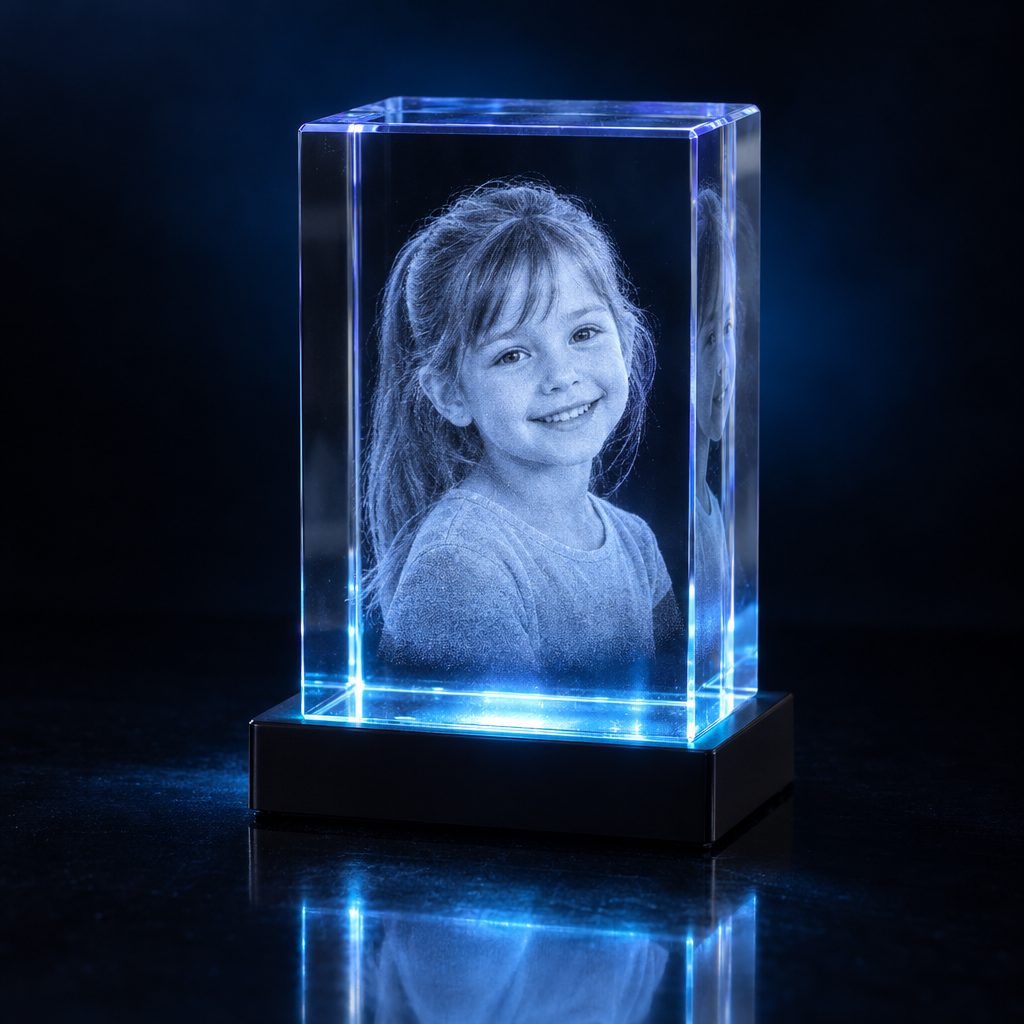
Choose the crystal shape and size, then load a photo. Crystool turns it into a 3D point cloud with real depth.
Write a name or a date, add hearts, stars or the birth details template. Turn the crystal in the live 3D preview to see the result.
Export an xTool project, open it in xTool Studio and engrave on your UV laser.
One photo becomes a 3D point cloud with real depth, so the face looks alive when you turn the crystal.
Block, heart, cylinder, sphere, diamond and tombstone, in common sizes.
Names and dates with a choice of fonts. Text always stays inside the crystal.
Hearts, stars, rings, flowers, a baby and birth set, and a ready Birth details template.
See the crystal in seconds and turn it around before you engrave. Undo and redo with Ctrl+Z / Ctrl+Y.
Export an xTool project with the design placed on the crystal. Made for UV lasers such as the xTool F2 Ultra UV.
New versions appear inside the app. One click installs and restarts, your projects stay.
Switch the app language any time in Settings.
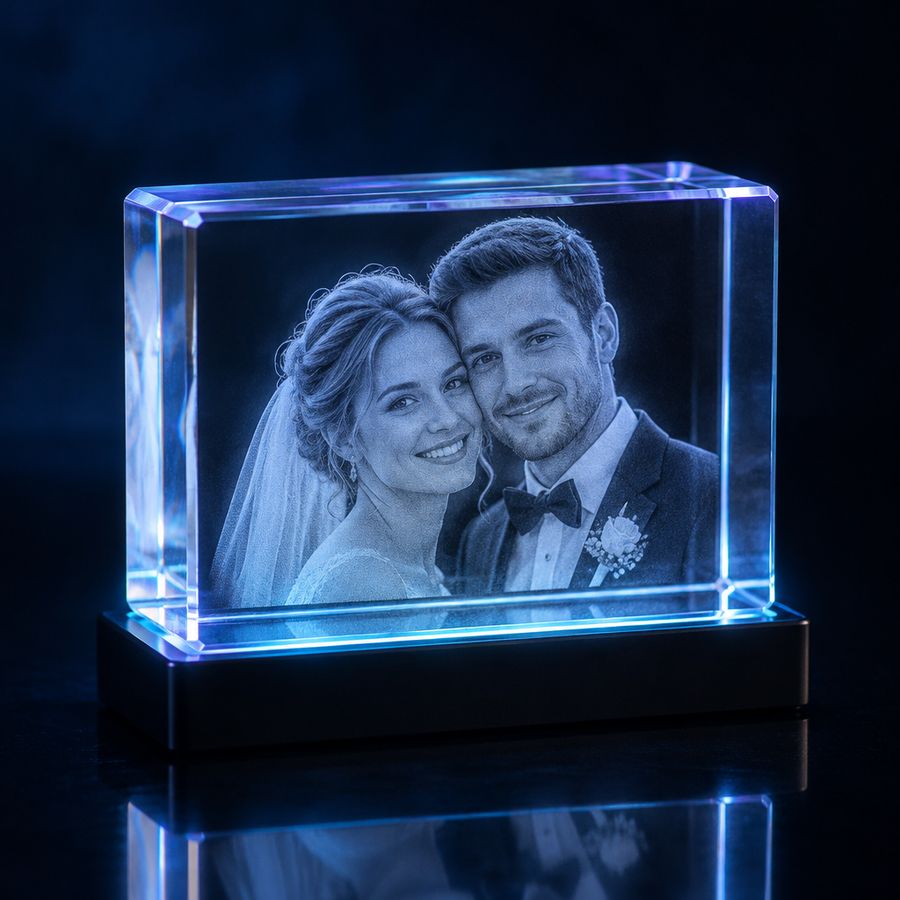
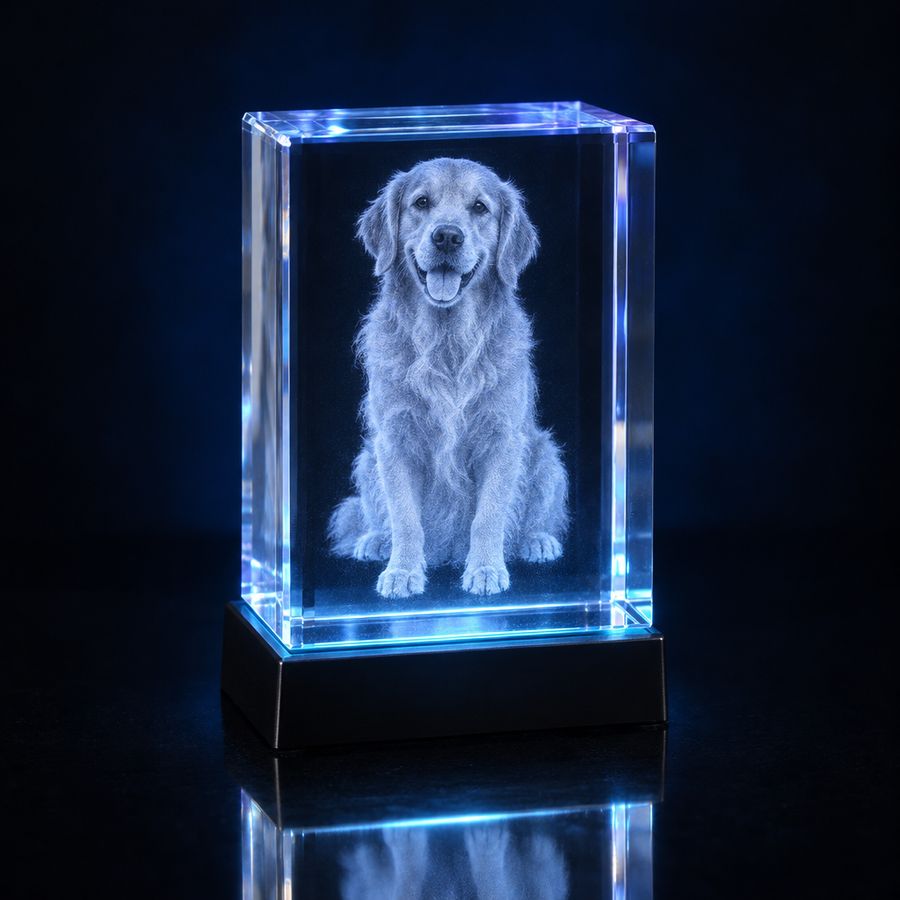
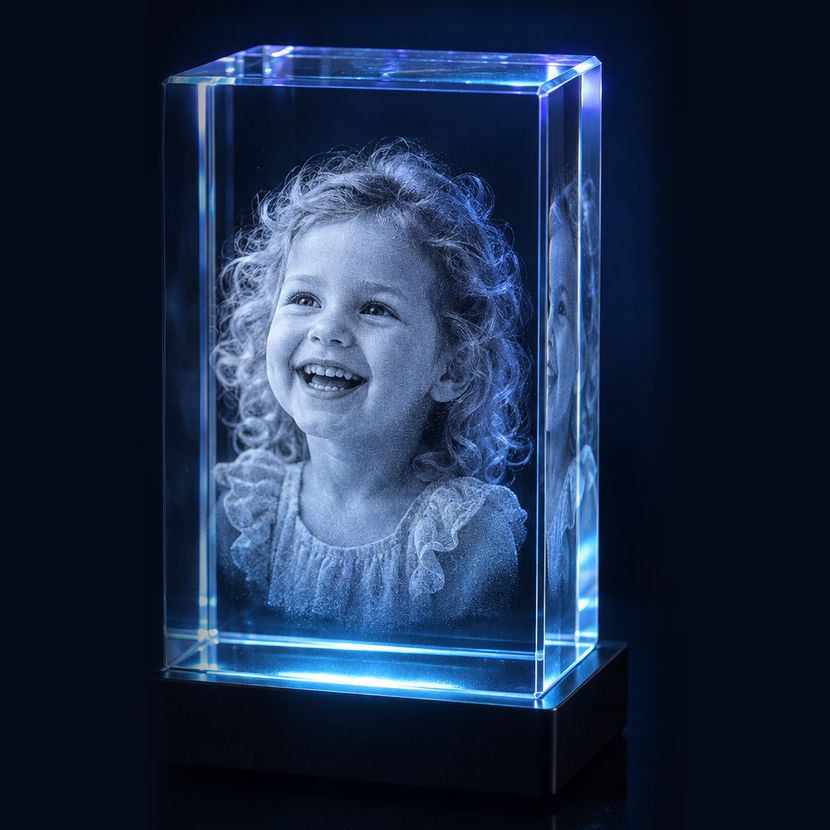
Ideas for what you can engrave with Crystool.

€69
Lifetime licence, one computer
Try first: download the free trial above.
A PC with Windows 10 or newer, or a Mac with macOS 12 or newer (Apple Silicon or Intel). An internet connection is needed for the first setup and when the app opens, because it checks the licence. The first crystal downloads the AI parts once (about 300 MB).
Download and install Crystool and you get 7 days with the full app. When you want to keep it, buy a licence and enter the serial in Settings › Licence. Your work stays.
One serial works on one computer. Buy one licence per PC. If you change computer, the licence can be moved to the new one.
Yes. New versions show up inside Crystool and install with one click. Your projects and settings are kept.
Crystool is made for UV crystal engraving lasers such as the xTool F2 Ultra UV. It exports xTool projects that you open in xTool Studio.
On Windows, click "More info" and then "Run anyway". On a Mac, right-click the setup file and choose "Open". The install guide inside the download explains each step.